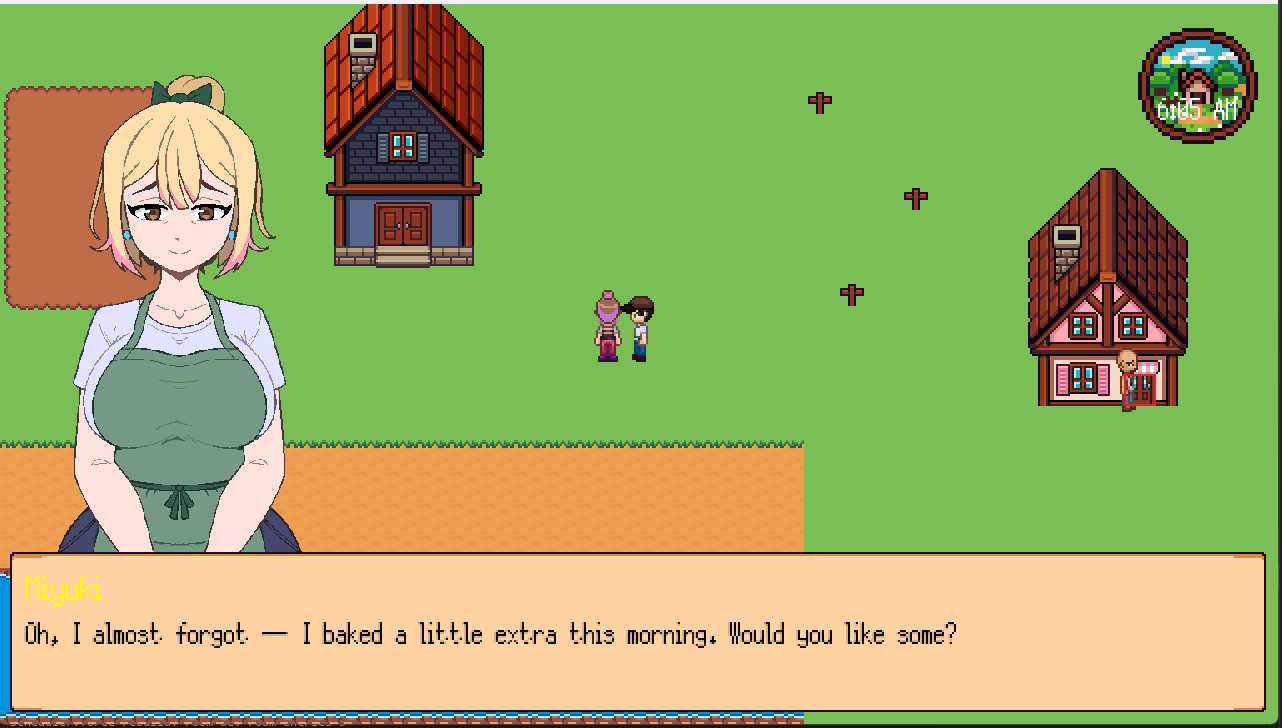
Hello hello and welcome to another dev diary 4. A little over a week since the last one, but I have put in some significant progress to this week’s goals. So, the juicy behind-the-scenes screenshots and early footage you will see will be pretty different from the previous post’s.
During this last week, I wanted to tackle two things: start exploring other sprite work assets available out in the world of itch.io to use for prototyping a “feel,” and the Scene Manager system.
During this time, I was also working with a immensely talented artist recruited and commissioned to get a basic character sheet and usable portrait of one of the first characters you will interact with – Miyuki!
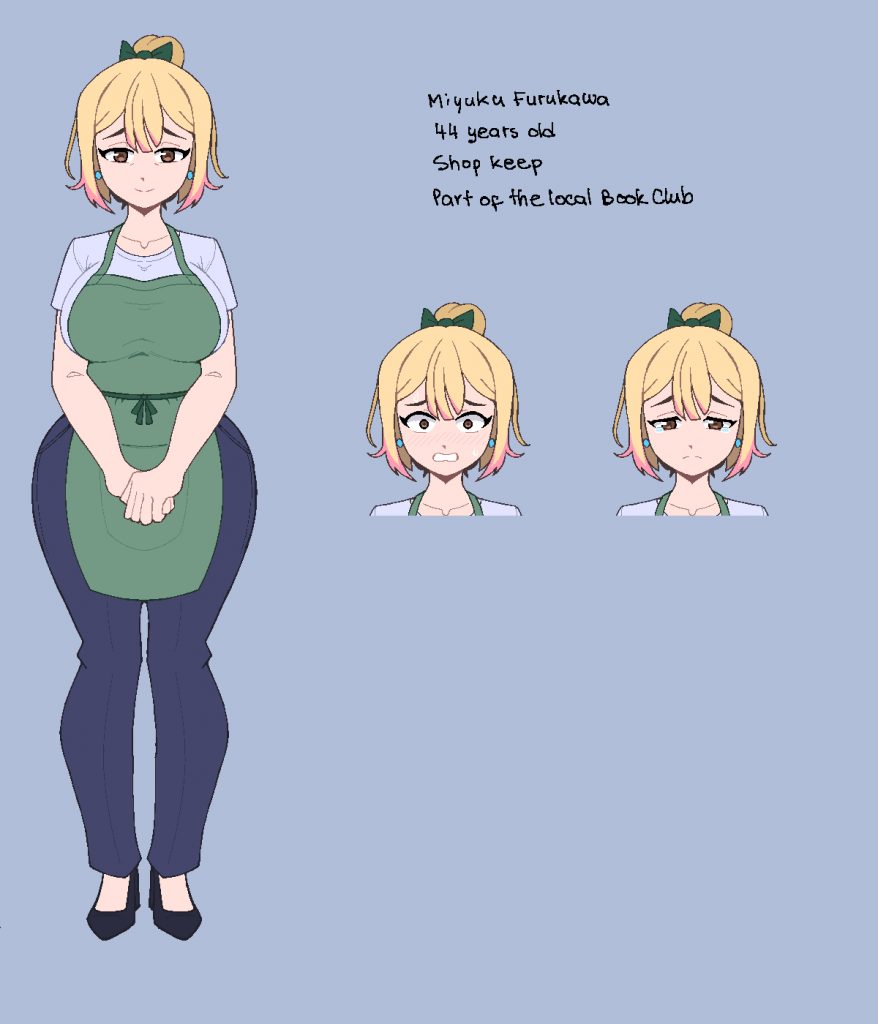
(Commission done by the talented DatNeme: https://datneme.carrd.co/#)
Miyuki is your aunt-in-law and spends most her days operating the town’s local general store. I am super stoked to see the vision I had come to life in this way and can’t wait to get the art-train going even further as this little hobby-project grows into something more.
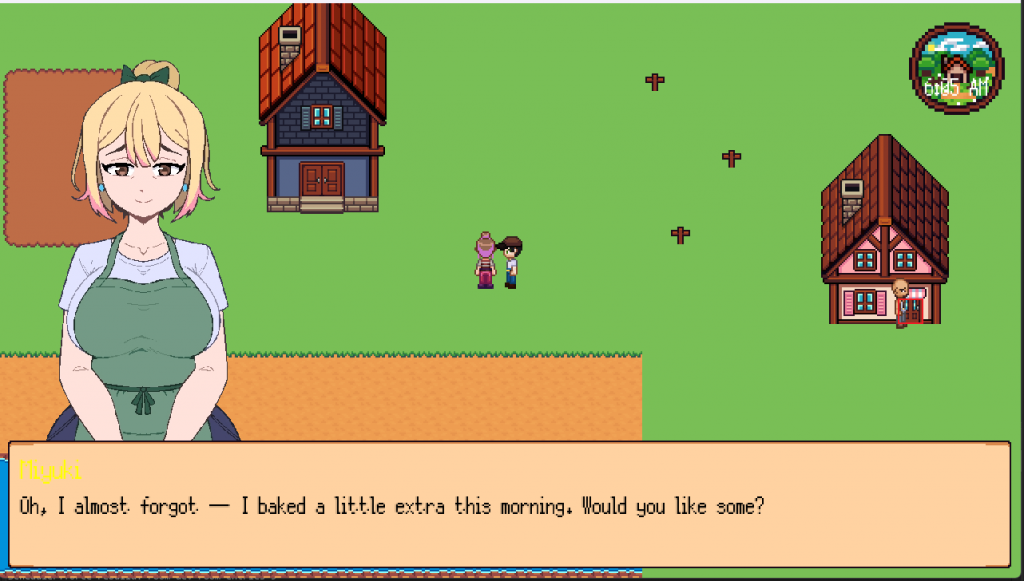
Additionally, I have tried out the Memao Sprite Sheet Creator. This specific tool (which I can recommend for other indie devs needing some assets asap) helps you make overworld sprites with a variety of options. They have extended it to allow custom assets and connect them via JSON but 1) I am no artist (best I can do is draw poopy maps) and 2) I have other things to do right now. But it’s a cool little program and the style of overworld sprite is definitely the type of thing I am looking to utilize.


The strip image imported in GameMaker is a little wonky with how it builds the cells to cut out from so I have had to manually export a sheet for each movement and its direction to avert this.
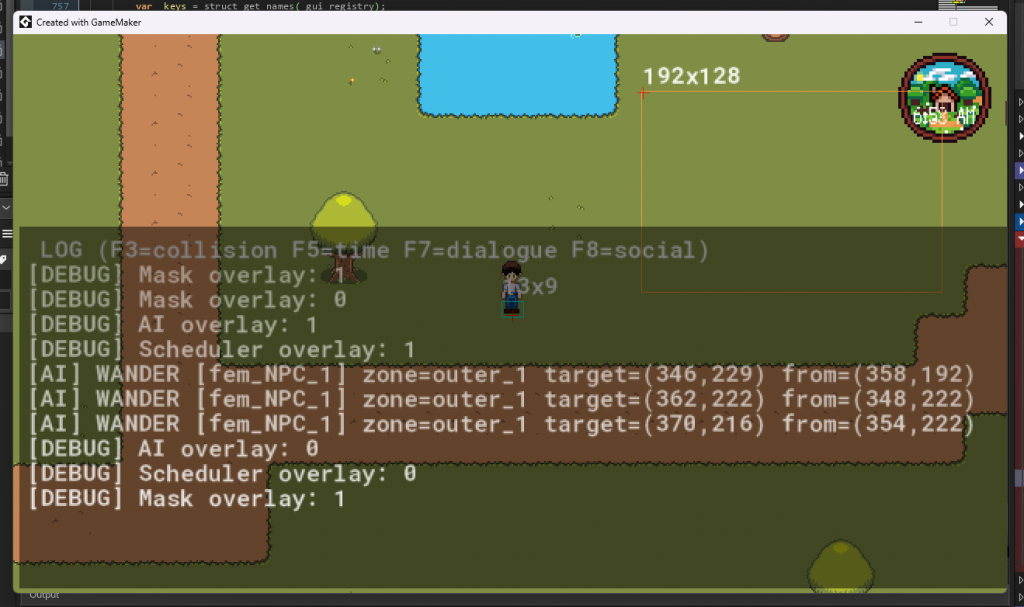
I also set up a second room to test how rigging up additional characters, spaces, and paths feel. Also peep the debugging system – you’ll see the masking box on the sprite’s foot. This was a side implementation I did in the middle of the room test because I got tired of manually setting the masking boxes to the characters each time I change the sprites. It’s been a game changer.
Now we move on to part two:
The SceneManager script
The video above at the start shows a crude “scene” in FH. This is all done by a script in run-time. I know, I know. I have heard that you can use Sequences in GameMaker, and maybe in the future that will be the best route. But for absolute control, I have taken the path of setting up another constructor that feeds off a registry file that has the nodes that build a scene.
This registry file essentially lets you write out the structs of each node or “step” of a scene, and its main action. These are move_path, move, expression, and dialogue. Right now, my test prologue scene is using paths drawn in the room that get called by the SceneManager when it reads the structure:
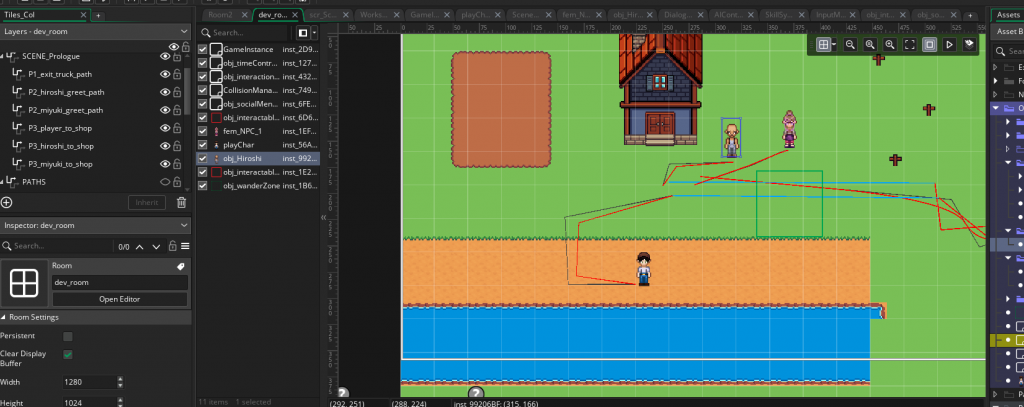
This is a view of the pathing in that room for this scene. I might re-think some of this system, because having to draw all the paths for each scene that would take place on each map seems like it will be chaos for the room editor in the future. Perhaps I’ll just set a point and have the SceneManager use the same logic from the AIController to draw a path in run-time? I dunno, but this is what I have so far.
And it works! It’s crude, and it took a few hours of debugging other systems. DialogueManager needed to understand the difference between when it was running in a scene versus in game-time. This is because when a scene flips, the in-game clock and all AI schedules pause and stay that way till it is flagged as finished. I had it designed to work with an “InteractionManager” which I failed to account for – so there was some tomfoolery to get it all fixed. So now I can have it distinguish between in-game dialogue and scenes.
Anyways, to cut it shorter – that’s the progress within the last week and some change. We’re moving at a good pace – once I get all these foundational systems set and polished off, I’ll feel more confident to start spending more dedicated time to writing (dialogue, characters, quests etc.).
Peace peace~

Leave a Reply